
v1.4.1 Update: Week Start Day Setting
Set your week to start on Sunday or Monday. Automatically configured by region, and changeable anytime from the main screen menu.
TapDiary v1.4.1 Update: Week Start Day Setting
Does your week start on Sunday or Monday? From v1.4.1, you can set it the way you prefer.
Week Start Day Setting
TapDiary automatically sets the week start day based on your region. Regions that use Sunday as the first day of the week default to Sunday, and regions that use Monday default to Monday.
If the automatic setting doesn't match your preference, you can change it. Open the menu in the top-right corner of the main screen and select your preferred start day.
The week start setting is what moves these columns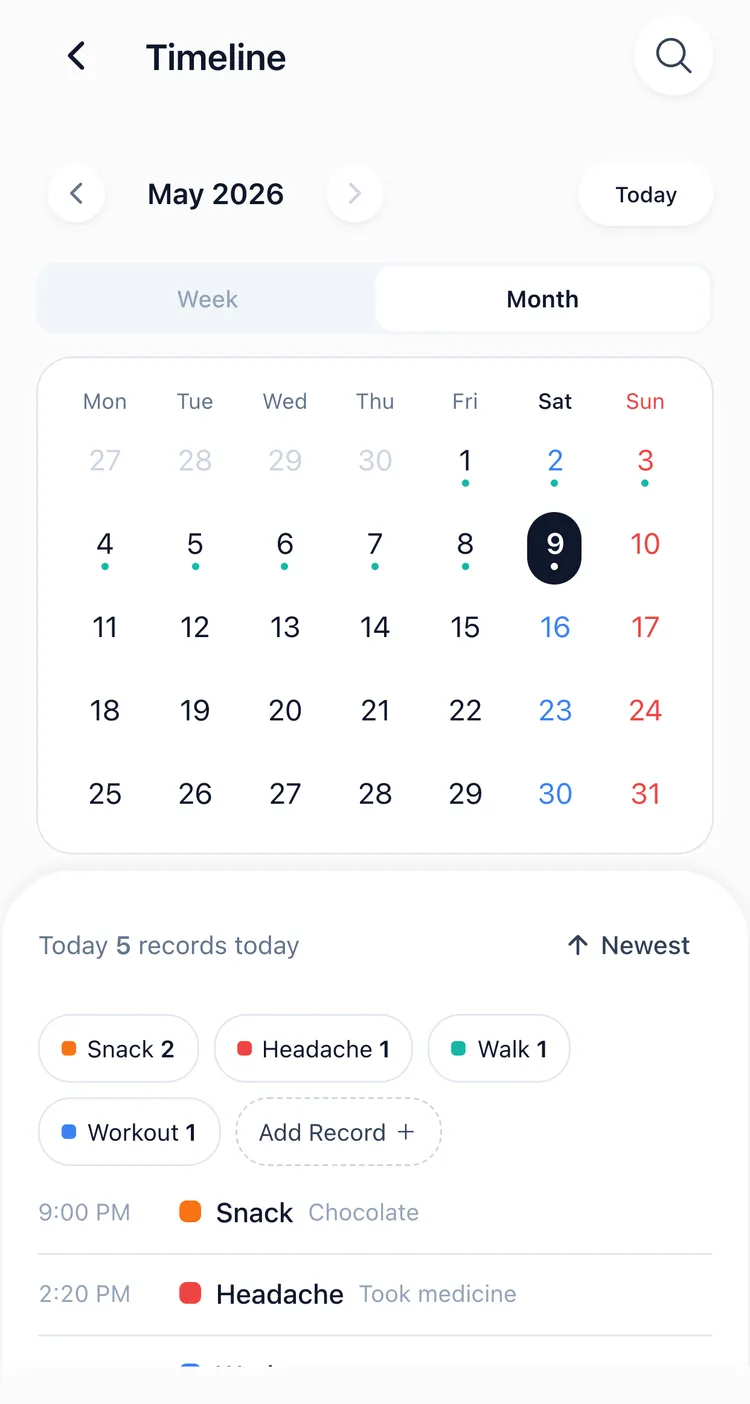
Why It Matters
When viewing your calendar or statistics, the start of the week affects how your data appears. Now you can review your records based on the rhythm that fits your personal habits or work schedule.
Update to the latest version on the App Store.
Related posts
Start recording with a single tap
No signup, just your personal records.